Chemarize your Web App squad in one click
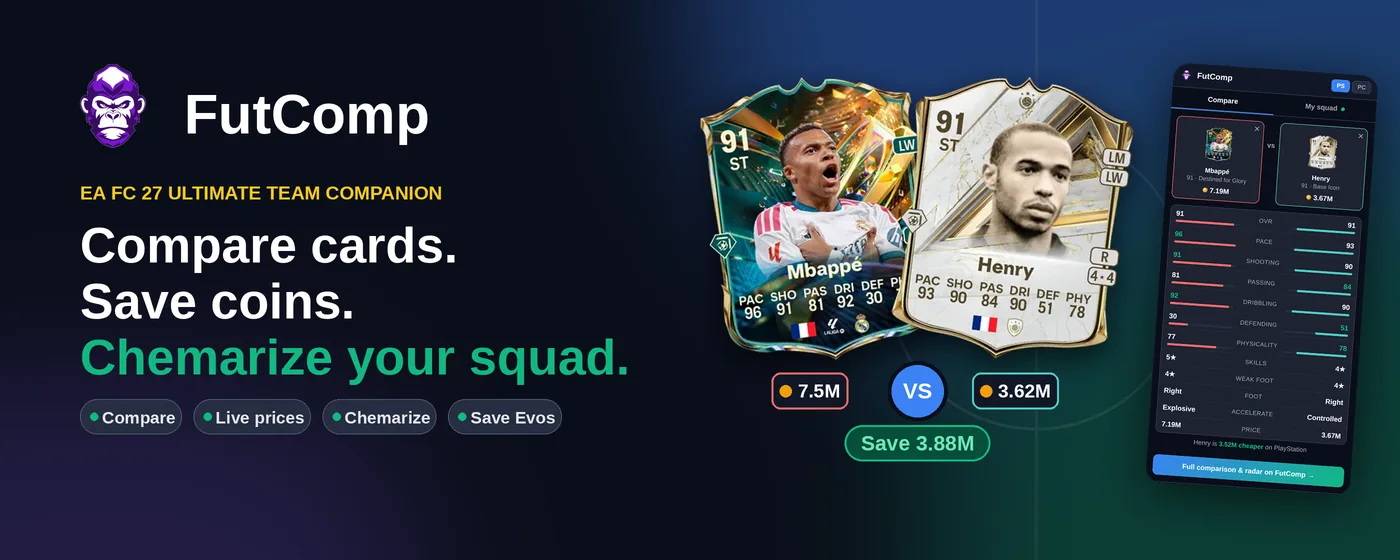
FutComp reads your squad straight from the EA FC Web App and finds the formation that gives it the most chemistry. Plus quick player comparisons with live coin prices, from any tab.
 Add to Chrome, it's free
How it works
- Add to Chrome
Install FutComp from the Chrome Web Store and pin the icon.
- Open the Web App
Open (or reload) the EA FC Web App, log in and go to Squads.
- Open FutComp
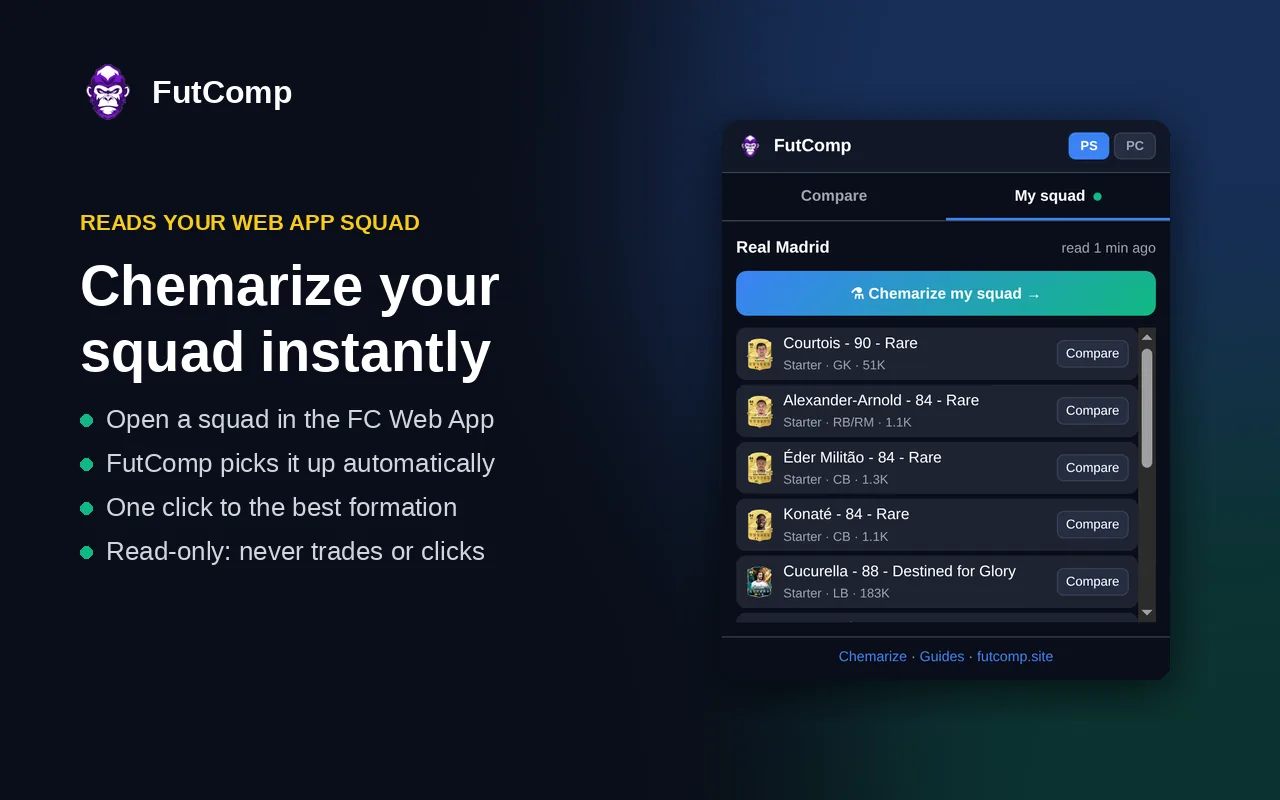
Your squad appears in the My squad tab automatically.
- Chemarize
One click shows the best formation and each player's chemistry.
Your squad, its best formation
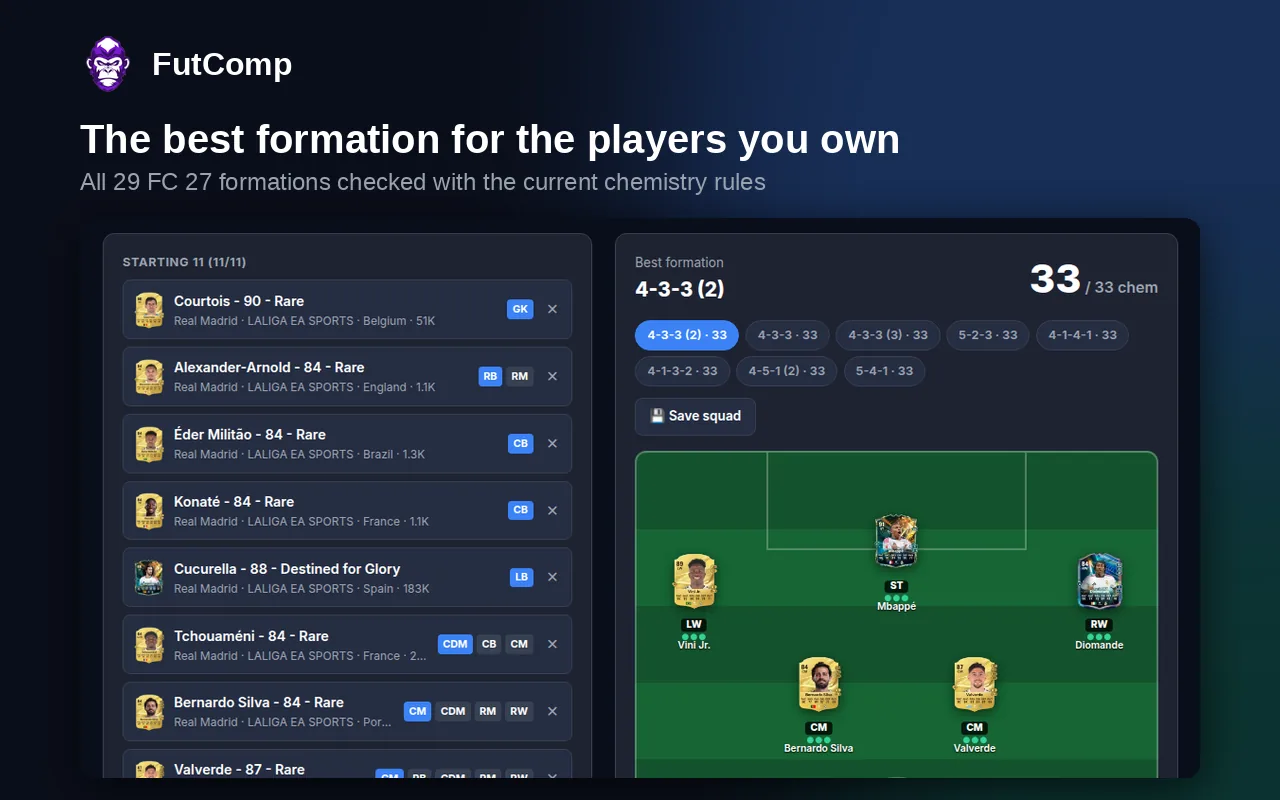
Most squad builders make you choose a formation first. Chemarize flips it: it checks all 29 EA FC 27 formations against the current chemistry rules and shows the one that suits the players you already own.
- Club, league and nation links, manager bonus, Icons and Heroes
- Every player's chemistry and anyone out of position
- Which manager would push your chemistry higher
Compare any two cards, anywhere
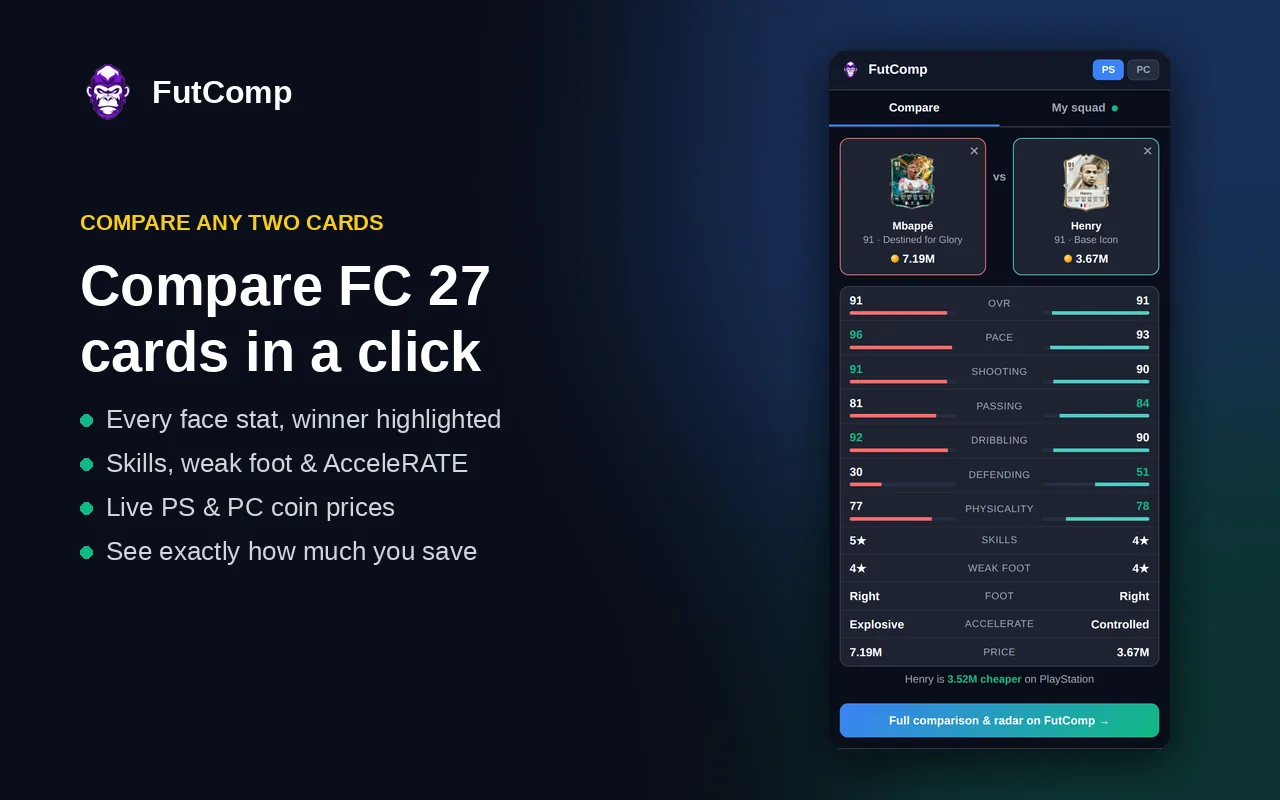
Search two players right from the toolbar and see who wins where.
- Face stats side by side, with the winner highlighted
- Skill moves, weak foot, foot and AcceleRATE
- Live console and PC prices, and how many coins you'd save
Questions
Is it safe to use with the FC Web App?
Yes. FutComp is read-only: it only reads the squad the Web App has already loaded. It never sends requests to EA, never trades, buys, sells or clicks anything, and never asks for your EA login. See exactly what it reads in our privacy policy.
It says "No squad yet". What do I do?
Reload the Web App page (F5) after installing or updating the extension, log in, then open Squads. FutComp picks up your squad as the Web App loads it.
Does it work in Edge, Brave or on my phone?
It works in Chromium browsers that install from the Chrome Web Store, such as Edge and Brave. Phones don't support browser extensions; on mobile, use Chemarize on the website or install the FutComp app.
Is it free?
Yes, completely. No account, no sign-up and no adverts in the extension.
Something not working, or got an idea?
Send us a message. We read everything.
Ready to Chemarize your squad?
Add to Chrome, it's free